lwp.gg
Collection

Desktop Wallpapers

Browse thousands of desktop wallpapers in Full HD (1920x1080), QHD (2560x1440), and 4K UHD (3840x2160). Perfect for any PC or Mac monitor.

340 loops
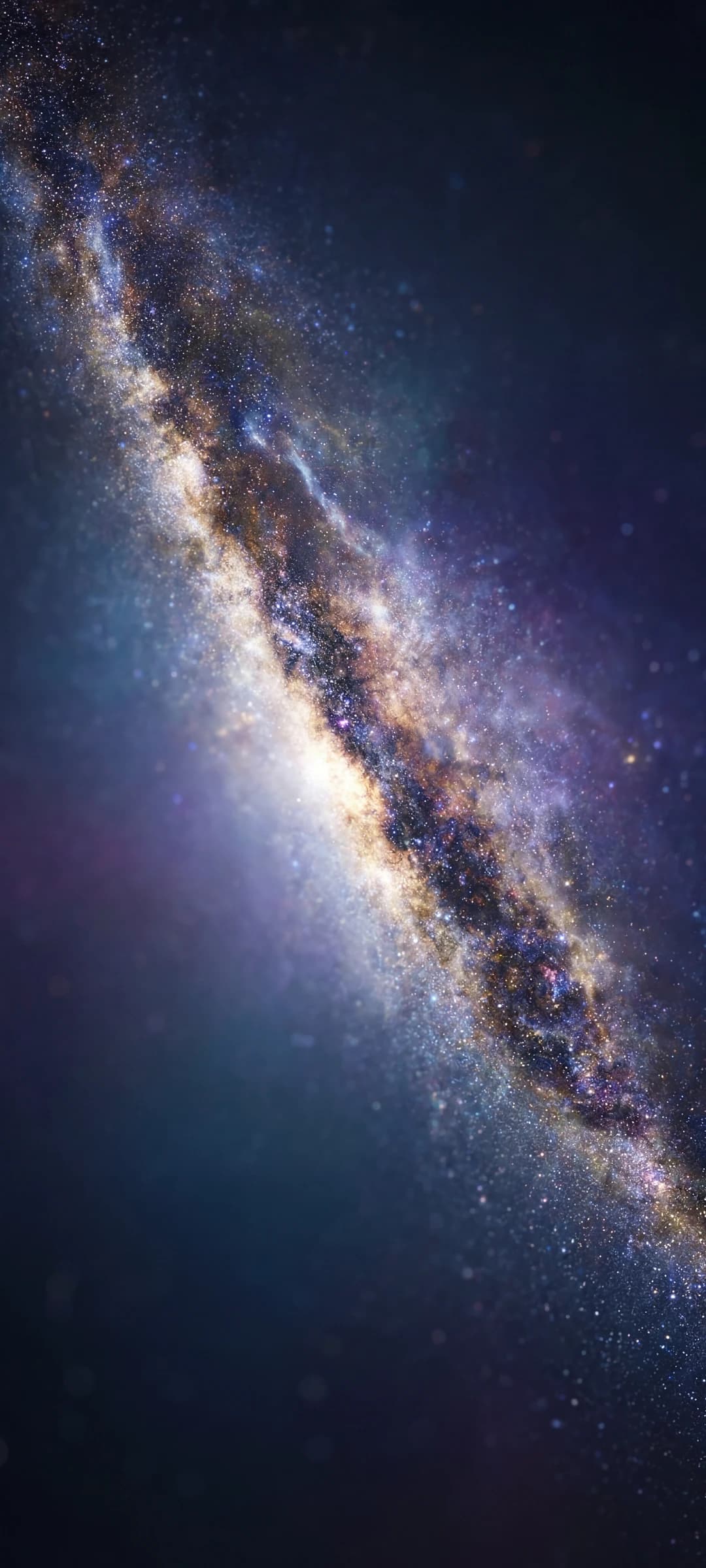
Moonlit Ronin
Live
↓ 261
Rooftop Future Live
Live
↓ 236
Joyboy Luffy Gear 5
Live
↓ 174
Single Arc Live
Live
↓ 163
Aurora Veil
Live
↓ 140
Night City Skyline
Live
↓ 82
Galaxy's Edge
Galaxy's Edge
↓ 79
Golden Hour Beach
Live
↓ 75
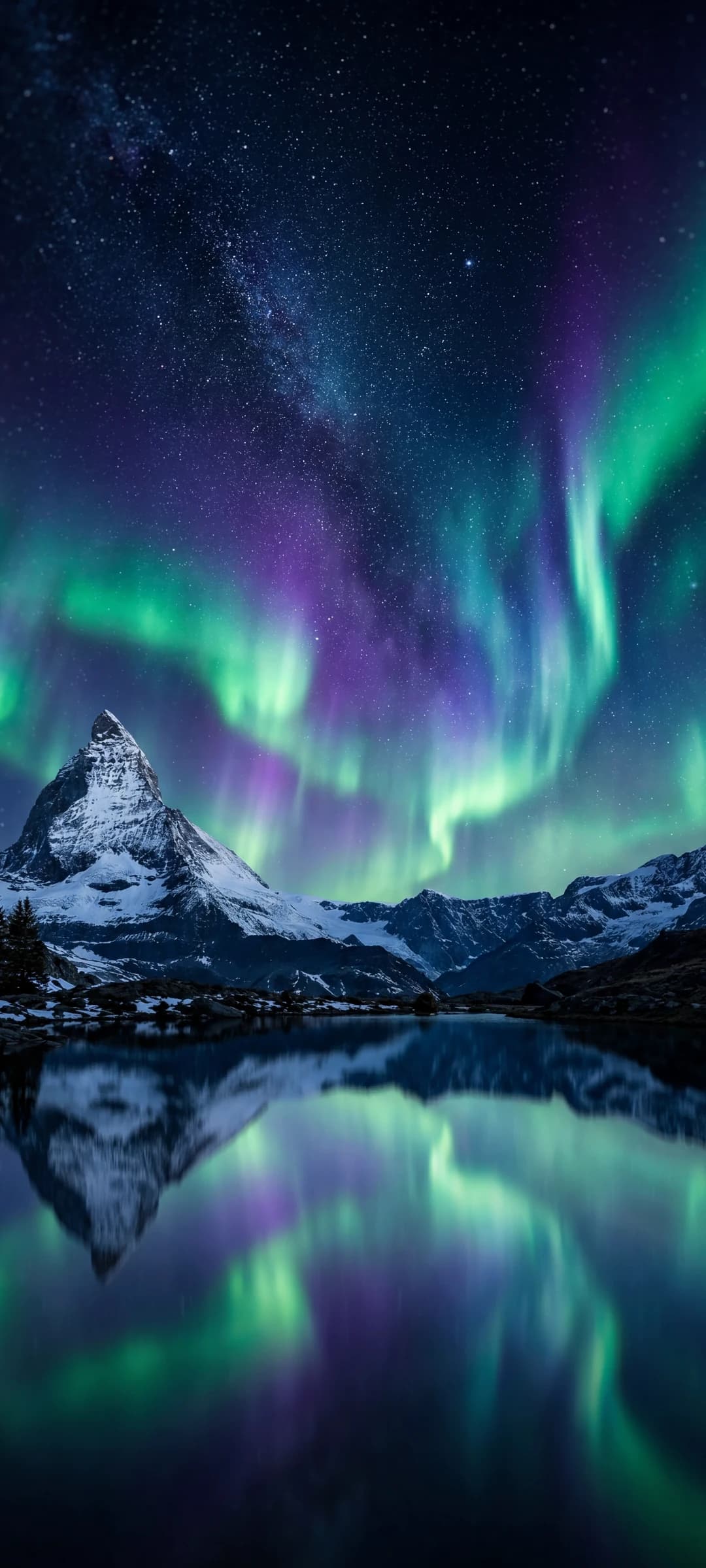
Peak Reflection
Live
↓ 73
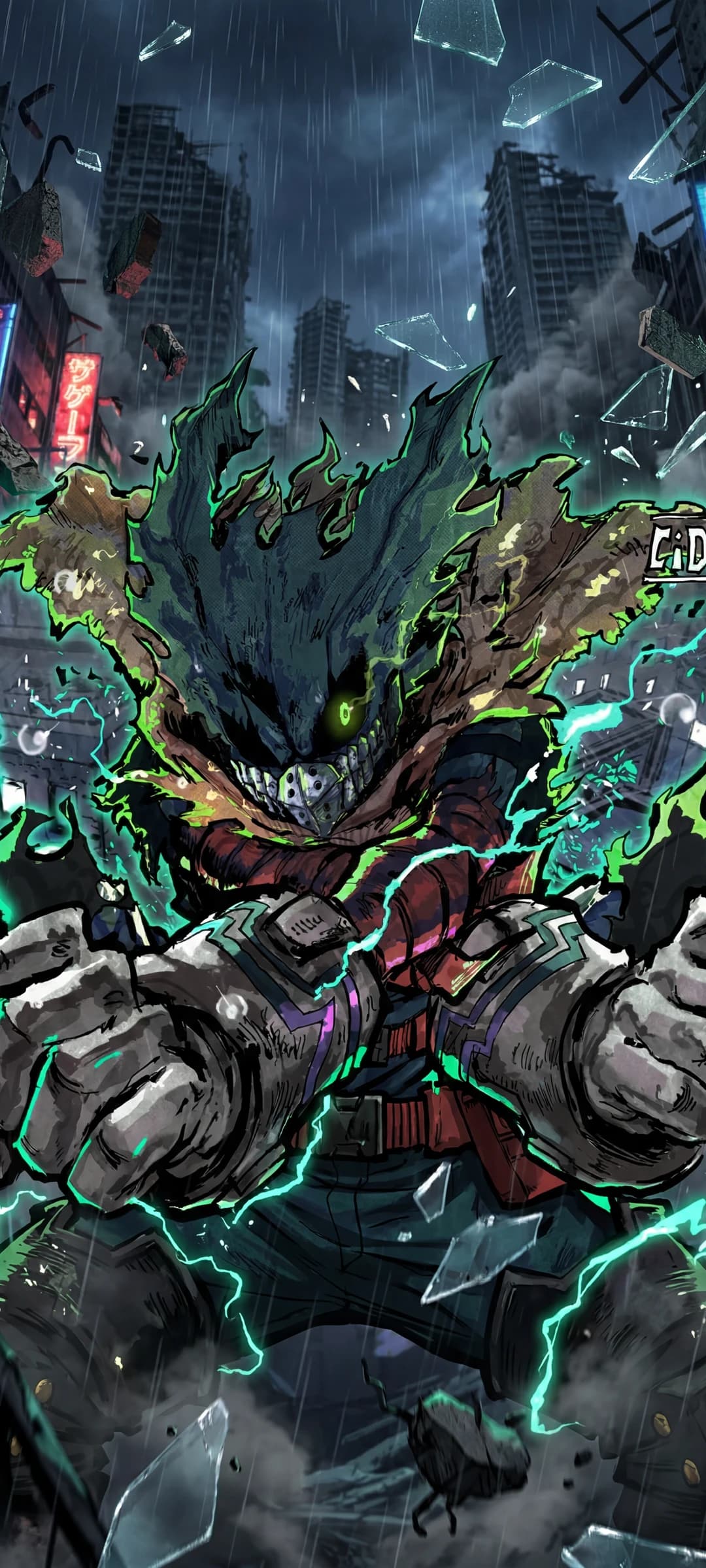
Izuku Midoriya: Electrifying Scene
↓ 72

Black Wave
Live
↓ 66
Starfield Drift
Live
↓ 62
Violet Nebula
Live
↓ 62
Northern Lights Aurora
Live
↓ 60
Hologram Plaza Live
Live
↓ 57
The Knight in Blue Forest
↓ 53
Cosmic Scene with Planets and Asteroids
↓ 50
Calm Ocean Swell
Live
↓ 48
Fluid Mesh Gradient
Live
↓ 48
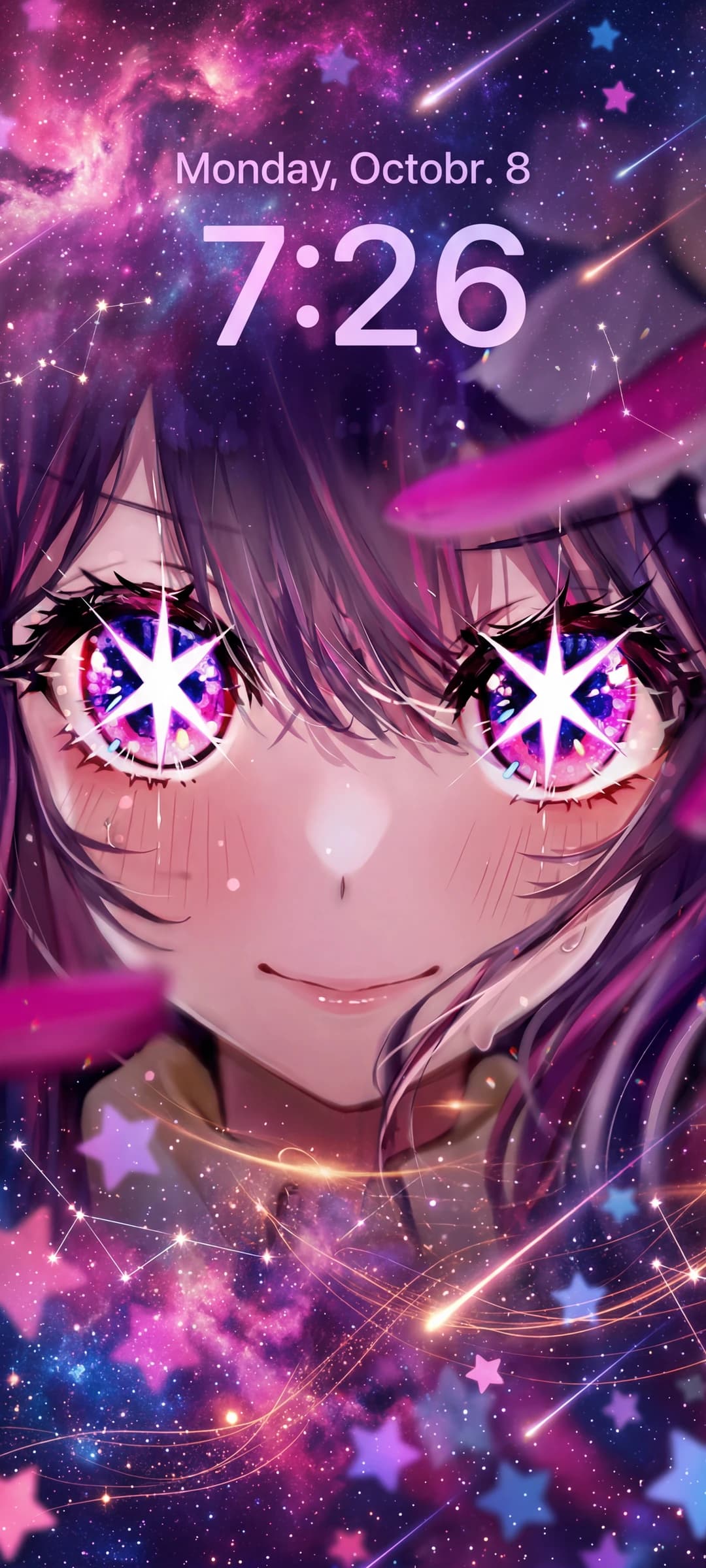
Ai Hoshino Close-Up Wallpaper
↓ 46
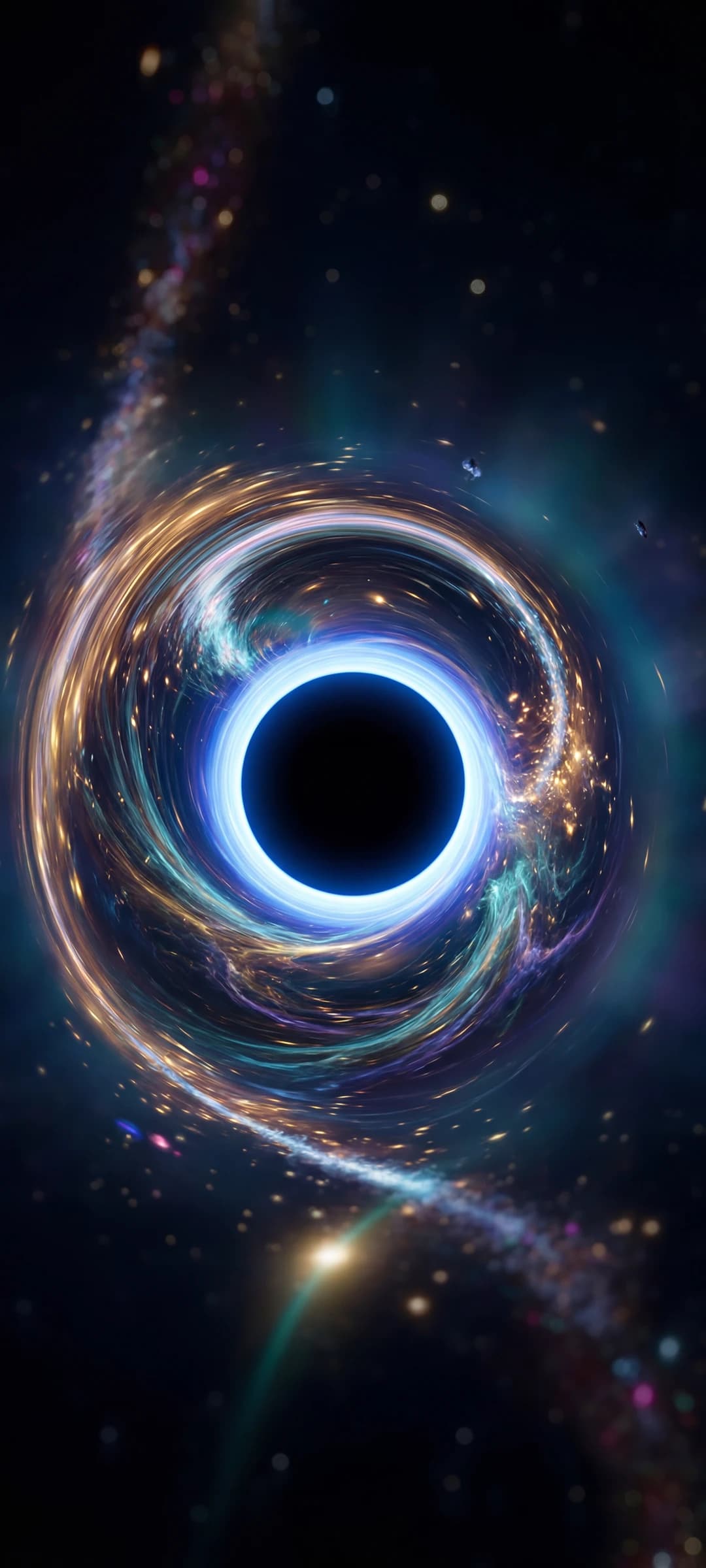
Glowing Blue Black Hole
↓ 46
Skybridge Glow
Live
↓ 39
The Joyboy Unleashed
Live
↓ 39
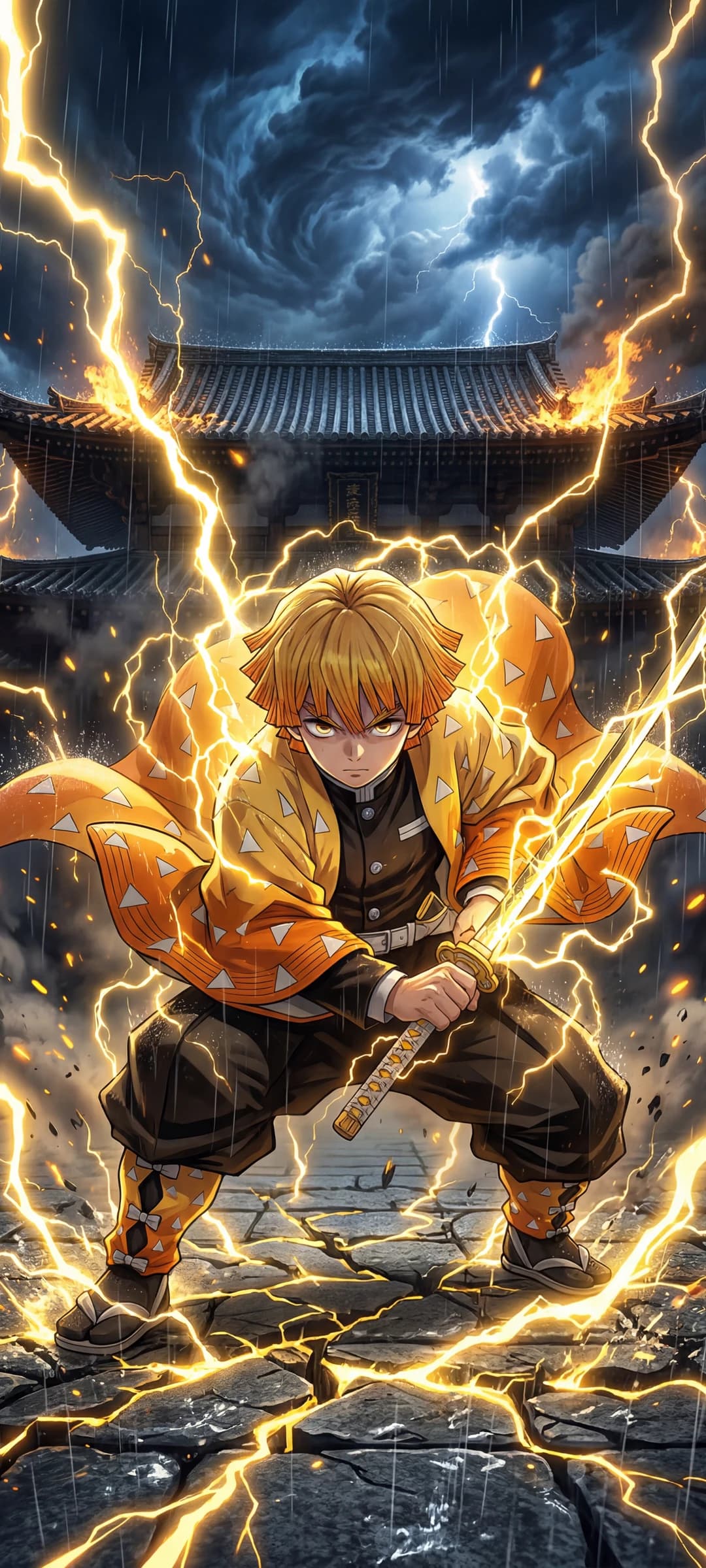
Zenitsu Agatsuma: Lightning Warrior
↓ 31
Tokyo Geisha in Rainy Season
Live
↓ 28
Cherry Blossom Branch
Live
↓ 28
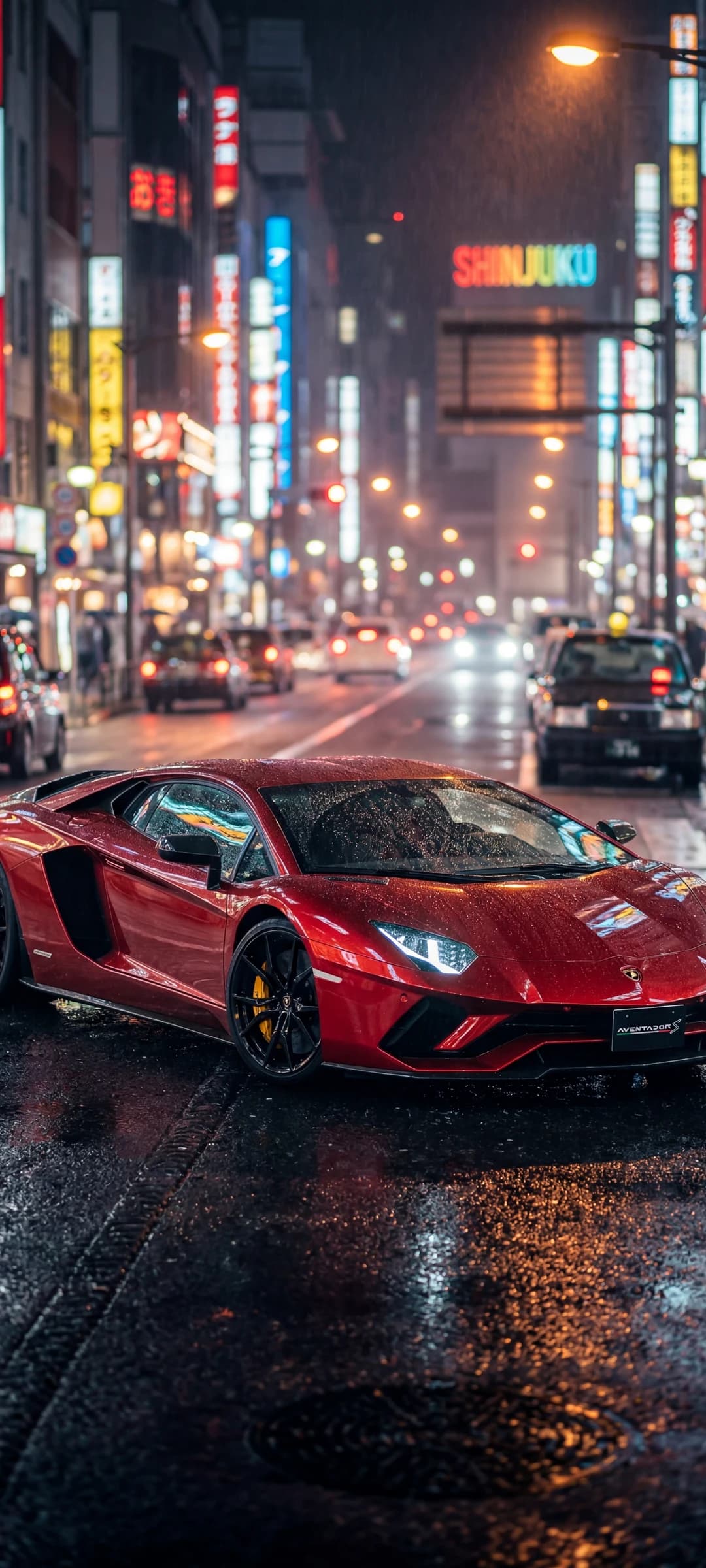
Lambo Night Street
Lambo Night Street
↓ 27
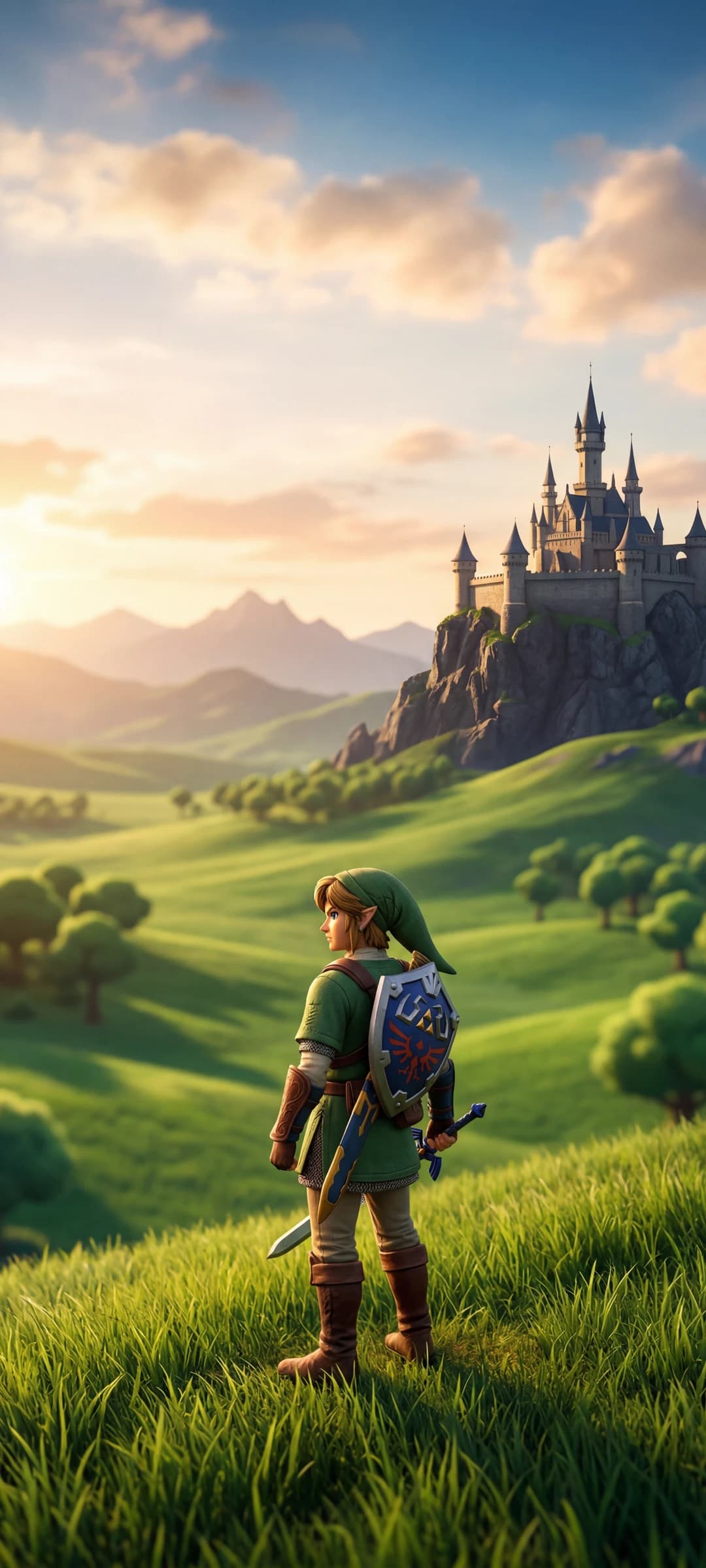
Hyrule Field: Legend of Zelda
↓ 25
Soft Dawn Minimal Live
Live
↓ 24
Neon Sign Wall
Live
↓ 24
Misty Range
Live
↓ 24
JDM Touge
JDM Touge
↓ 23
Emerald Nebula
Live
↓ 22
AMOLED Line
Live
↓ 22
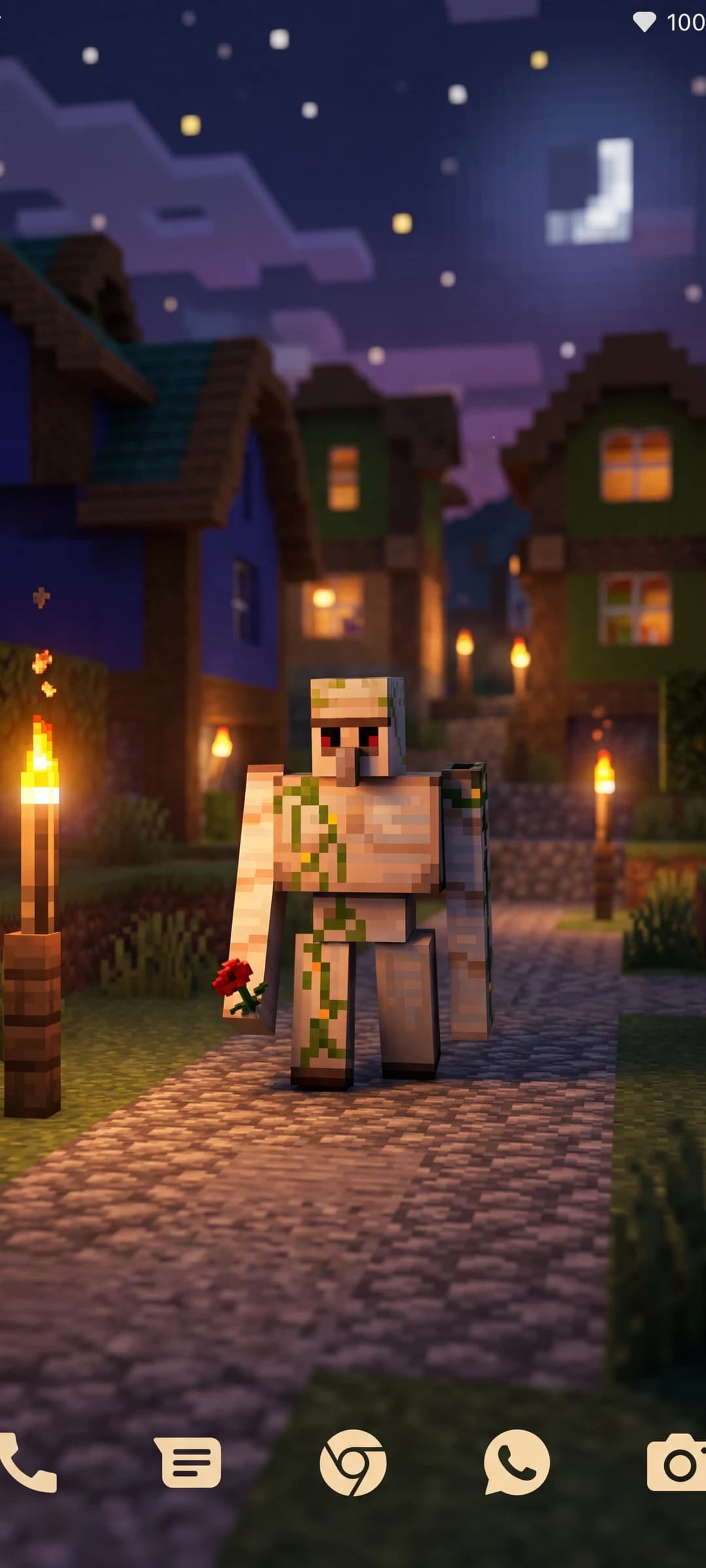
Voxel Village at Night
↓ 21
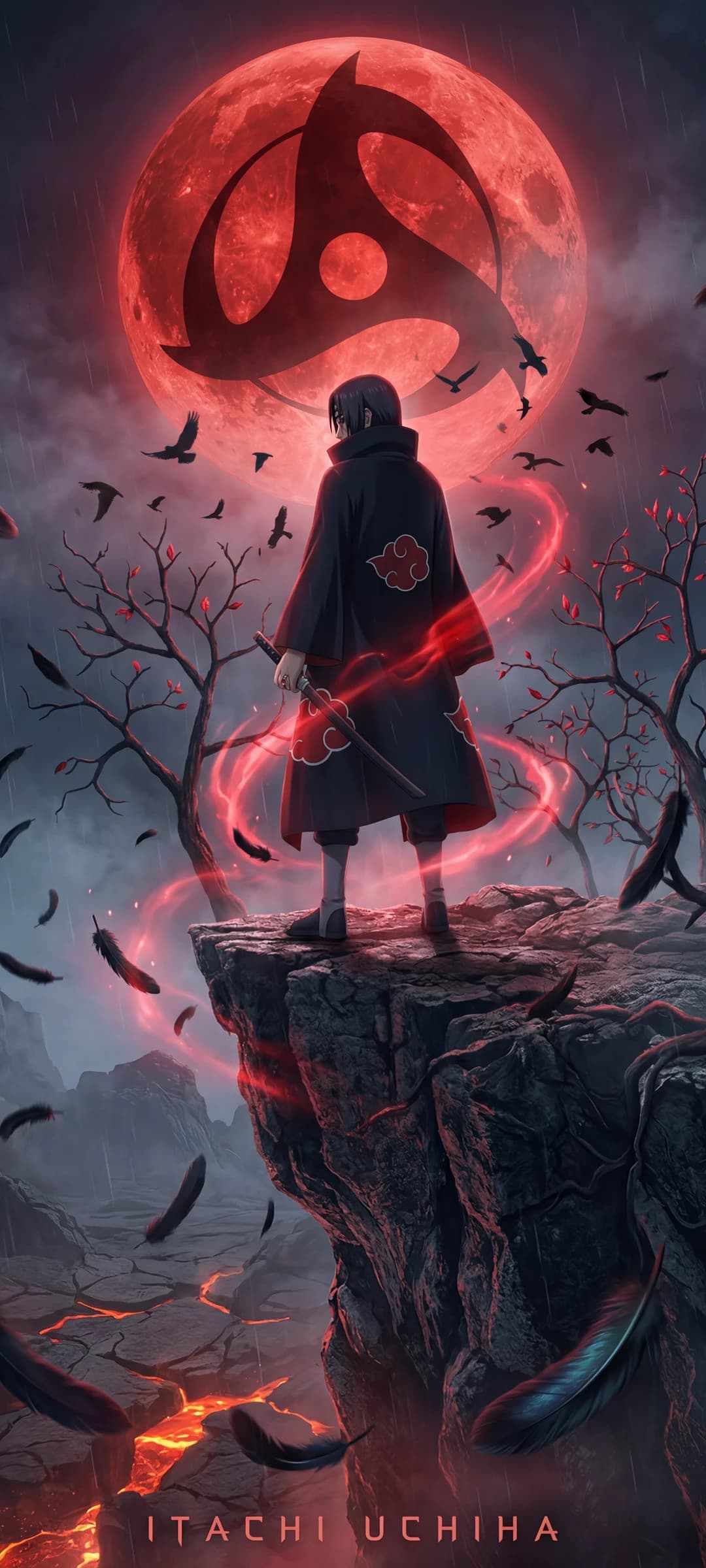
Itachi Uchiha: Raven Silhouette
↓ 21
Milky Way Arch
Live
↓ 21
Comet Rider
Live
↓ 20
Frieren Gazes Thoughtfully into the Distance
↓ 19
Lotus Calm
Live
↓ 19
Neon Gradient Flow
Live
↓ 18
Shadow Ninja
Live
↓ 18
Aurora Gradient
Live
↓ 17
Forest Light Shaft
Live
↓ 17
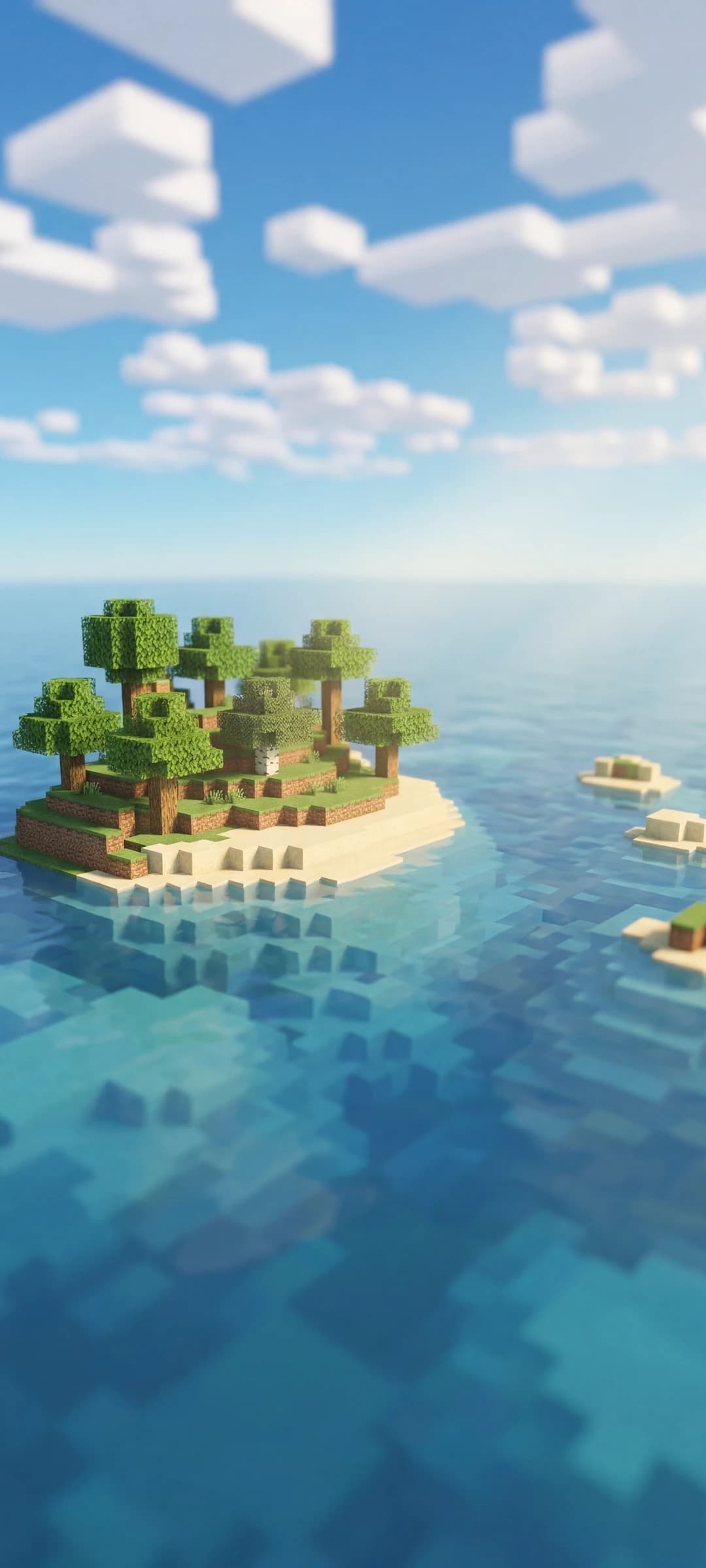
Voxel Ocean Minecraft
↓ 16
Aurora Veil
Aurora Veil
↓ 16
Misty Ancient Forest
Live
↓ 15
Ember Knight
Live
↓ 14

Frequently Asked Questions

How do I set a desktop wallpaper on Windows?

Right-click the downloaded image, select “Set as desktop background,” or go to Settings > Personalization > Background.

How do I set a desktop wallpaper on Mac?

Go to System Settings > Wallpaper, click Add Photo, and select the downloaded image.